
 If you’ve spent any time on a screen (which is basically everyone), you’ve probably heard warnings about blue light. It’s blamed for everything from eye strain to permanent vision damage—but how much of that is actually true?
Let’s separate fact from hype.
What Is Blue Light?
Blue light is a high-energy, short-wavelength light naturally emitted by the sun. It’s also produced by digital screens—phones, laptops, tablets, and LED lighting.
Not all blue light is bad. In fact, it plays an important role in:
- Regulating your sleep-wake cycle (circadian rhythm)
- Boosting alertness and mood during the day
The Big Question: Does It Damage Your Eyes?
Short answer: There’s no strong evidence that blue light from screens causes permanent eye damage.
Most of the concern comes from laboratory studies where retinal cells were exposed to extremely high levels of blue light—far beyond what your devices produce.
In real-world use:
- The amount of blue light from screens is very low
- It is not proven to cause retinal damage or blindness
So if you’re worried about screens “destroying your eyes,” the science doesn’t support that.
So Why Do Your Eyes Feel So Tired?
This is where blue light gets unfairly blamed.
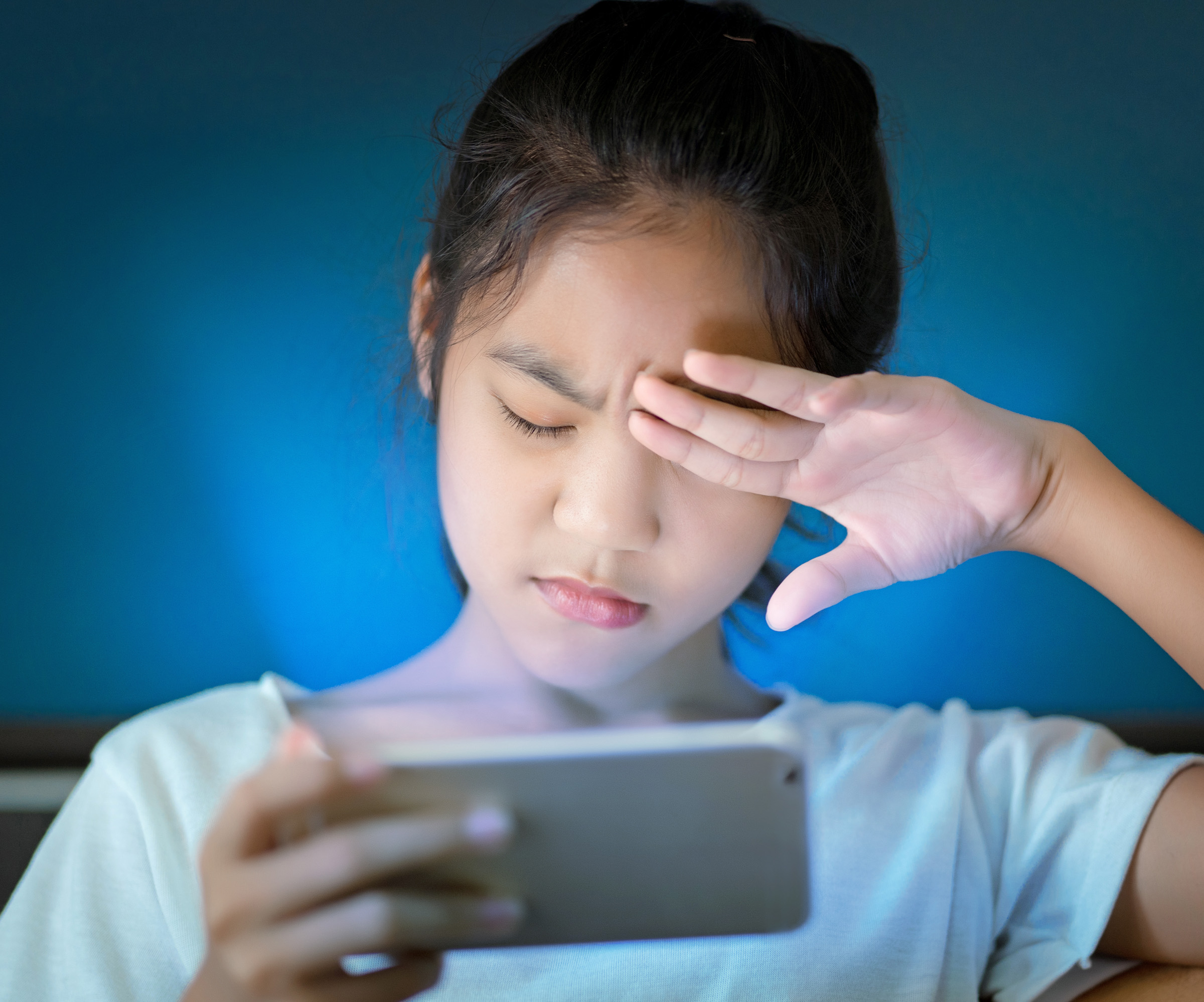
What you’re actually experiencing is digital eye strain (also called computer vision syndrome), caused by:
- Reduced blinking while using screens
- Long periods of near focus
- Poor lighting or screen glare
Common symptoms include:
- Dry or irritated eyes
- Blurry vision
- Headaches
- Eye fatigue
What About Blue Light Glasses?
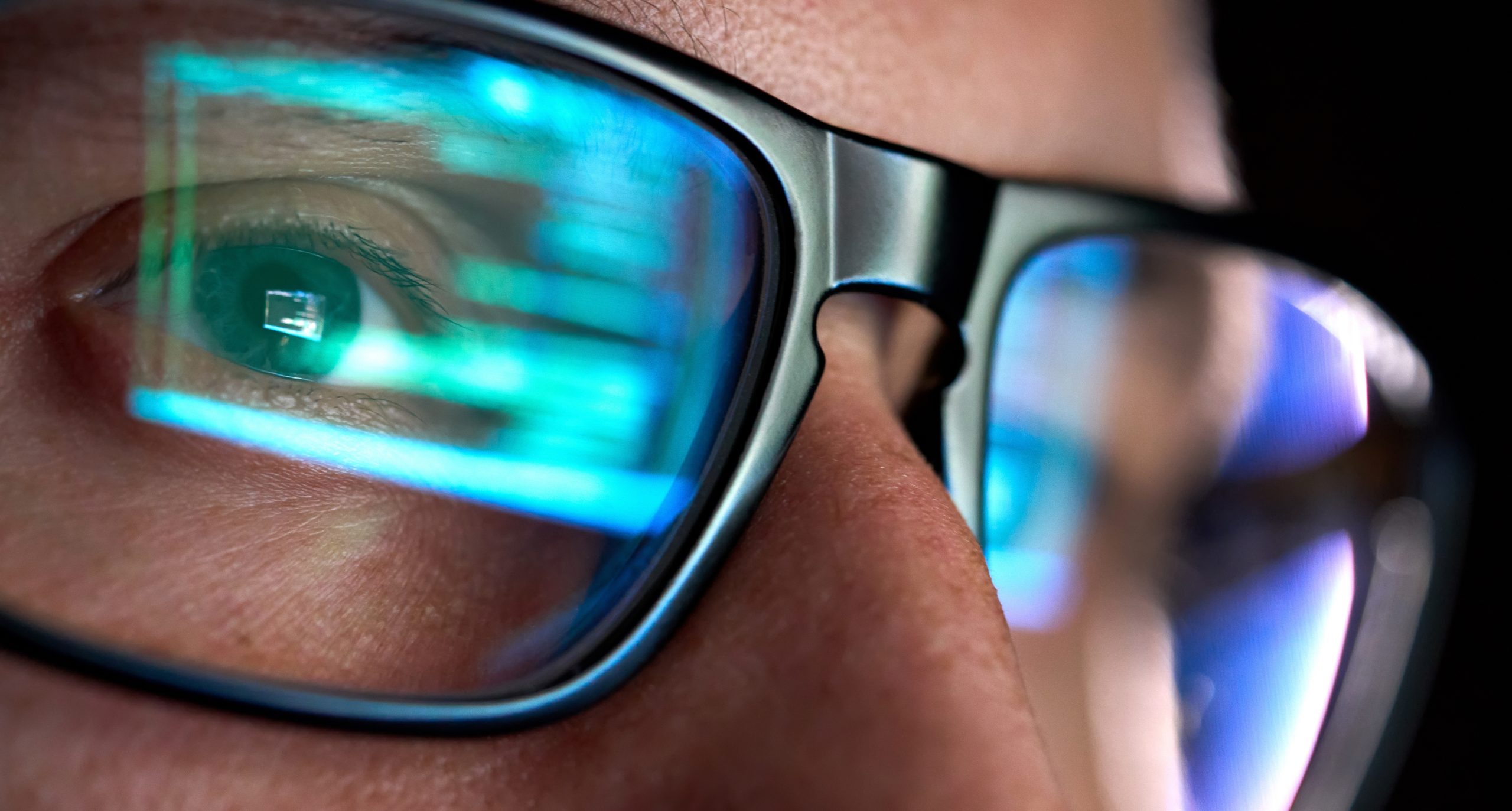
Blue light–blocking glasses are heavily marketed, but their benefits are limited.
Current evidence suggests:
- They may help with sleep if used in the evening
- They do not significantly reduce eye strain for most people
In other words, they’re not harmful—but they’re not a magic solution either.
The Real Impact: Sleep Disruption
The strongest evidence against blue light is its effect on sleep.
Exposure to screens at night can:
- Suppress melatonin (your sleep hormone)
- Delay sleep onset
- Reduce sleep quality
This is why scrolling your phone before bed often makes it harder to fall asleep.
What Actually Helps?
Instead of focusing only on blue light, these habits make a bigger difference:
- Follow the 20-20-20 rule
Every 20 minutes, look at something 20 feet away for 20 seconds - Blink more often
(Seriously—people blink up to 60% less on screens) - Adjust your screen
Reduce brightness and avoid glare - Use night mode on your phone or tablets in the evening
Helps reduce sleep disruption - Limit screens before bed
Ideally 1–2 hours before sleeping
Bottom Line
Blue light from screens is not likely to damage your eyes permanently.
However, excessive screen use can lead to:
- Eye strain
- Dryness
- Poor sleep
So the real issue isn’t blue light itself—it’s how long and how often we use our devices.
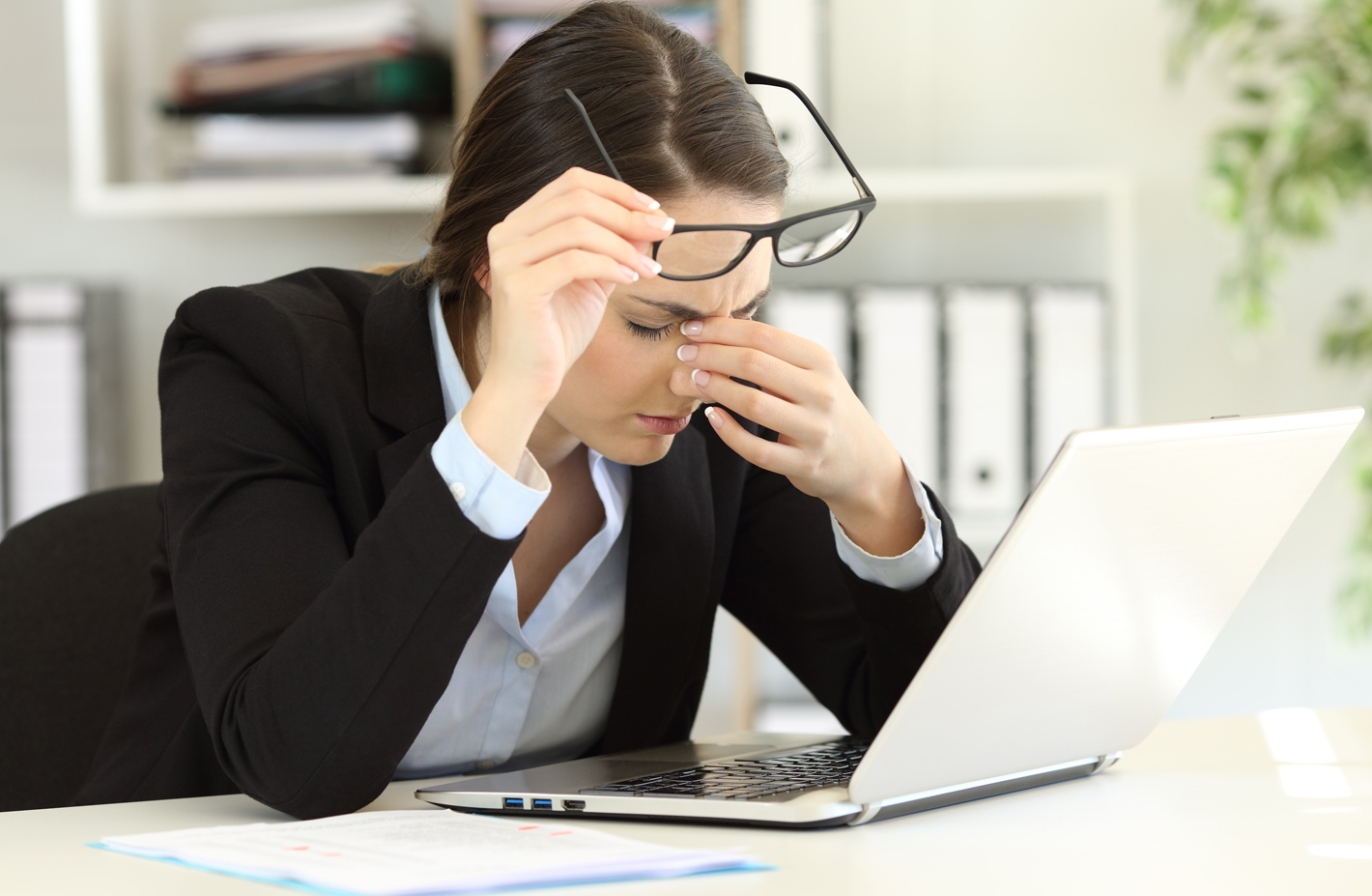
 Rest and blink your eyes – Researchers found that over 30% of people using digital devices rarely take time to rest their eyes. Just over 10% say they never take a break, even when working from home. The eye muscles get overworked and don’t get a chance to relax and recover. Experts suggest the 20-20-20 rule; every 20 minutes, focus your eyes and attention on something 20 feet away for 20 seconds. You can also get up and walk around for a few minutes.
 Reduce exposure to blue light – In the spectrum of light, blue is more high energy and close to ultraviolet light. So, if you use screens throughout the day, ask your eye doctor about the value of computer glasses that block blue light. Reducing exposure to blue light may help lessen vision problems. At home, using digital devices until bedtime can overstimulate your brain and make it more difficult to fall asleep. Eye doctors recommend no screen time at least one to two hours before going to sleep.
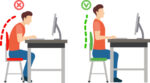 Sit up straight – Proper posture is important. Your back should be straight and your feet on the floor while you work. Elevate your wrists slightly instead of resting them on the keyboard.
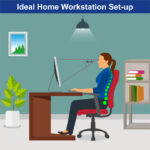 Set up monitor properly – Make sure your computer screen is about 25 inches, or an arm’s length, away from your face. The center of the screen should be about 10-15 degrees below eye level. Cut glare by using a matte screen filter. You can find them for all types of computers, phones, and tablets. Increase font size or set the magnification of the documents you are reading to a comfortable size.
 Consider computer glasses –For the greatest comfort at your computer, you might benefit from having your eye doctor modify your eyeglasses prescription to create customized computer glasses. This is especially true if you normally wear distance contact lenses, which may also become dry and uncomfortable during extended screen time. Computer glasses also are a good choice if you wear bifocals or progressive lenses, because these lenses generally are not optimal for the distance to your computer screen.
 Get an Eye Exam – If you have tried all these tips and eye strain is still an issue, it might be time to see an eye care professional to schedule an eye exam. The exam may even detect underlying issues before they becomes worse.
 UV Protection – Sunglasses for children should block 100% of UV radiation as well as between 75 – 90% of visible light. Any sunglasses you buy should have this information provided in the packaging