 It’s Holiday season and I’m reminded that between Thanksgiving and Christmas I very much prefer America’s turkey day. Somewhere over the course of my life I began to think of Thanksgiving in two distinct parts – Thanks and Giving. There is so much I am grateful for – family, friends, good health, and most of all a sense of real purpose. I treasure my role as an Ambassador of Vision for the Discovery Eye Foundation. Our work supporting research that preserves and enhances vision is most rewarding in every way, and the stories of patients who maintain their sight because of breakthroughs provided by our Foundation and its on-going research is incredibly rewarding for all of us who work tirelessly to make a difference. On this special holiday I’m sure that every person who has benefitted from our dedication is saying “Thank You” as they enjoy a day surrounded by family and friends.
The link between the two words “Thanks” and “Giving” is obvious. When you say “thank you” the desire to give seems to go hand and hand. We are so grateful to everyone who has supported the important work of Discovery Eye through your generous donations over all these years. At this Holiday season, please know that we will continue to search for answers that will guarantee many more people with the gift of vision. We are thankful for your support and grateful that you choose to give us the opportunity to make a difference.
Happy Holidays from everyone in the Discovery Eye Family.
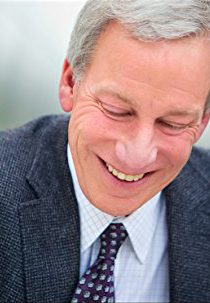 Tom Sullivan
DEF’s Ambassador of Vision
sullivanvision.com
 Thanksgiving is almost here; a meal that nourishes the family bonds and traditions. It’s the one time of the year where you can guarantee your eyes will be bigger than your stomach.
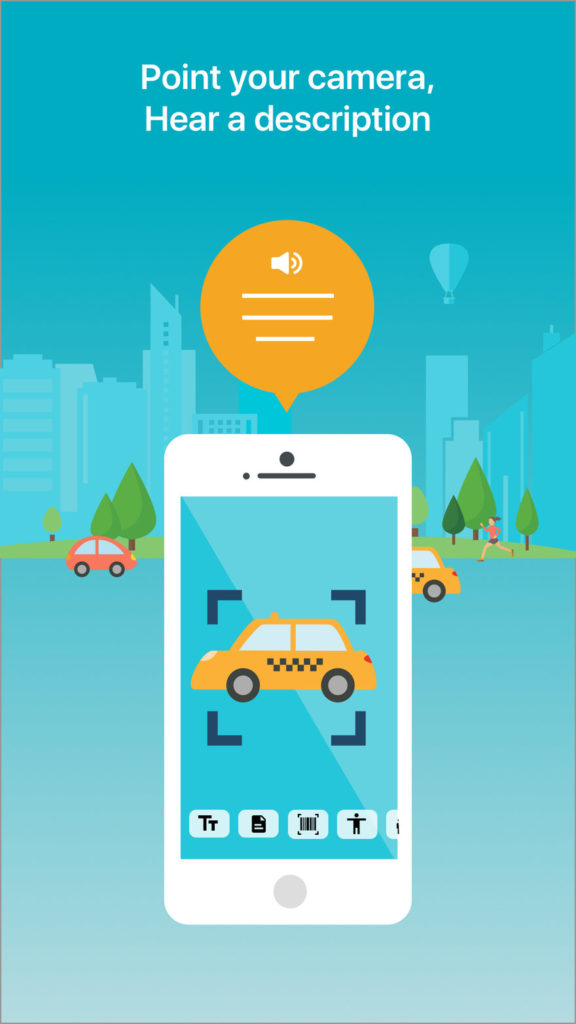
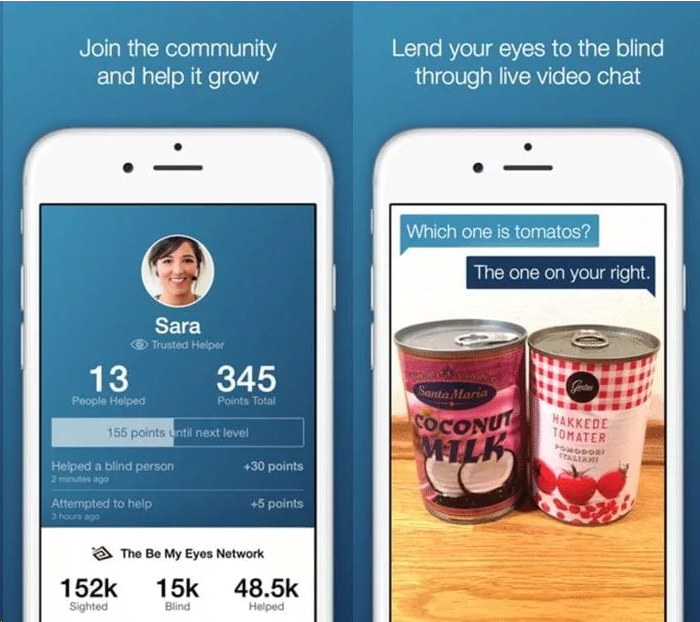
 Smartphones have opened the door to a world of possibilities, further than we could have ever imagined. While they are commonly used to communicate with others, keep up with social media, and perform simple tasks, smartphones have innovations that allow accessibility and functionality to the blind and visually impaired. With the help of a smartphone, smartwatch, or tablet, the “blind” or visually impaired can virtually “see” and become more independent.
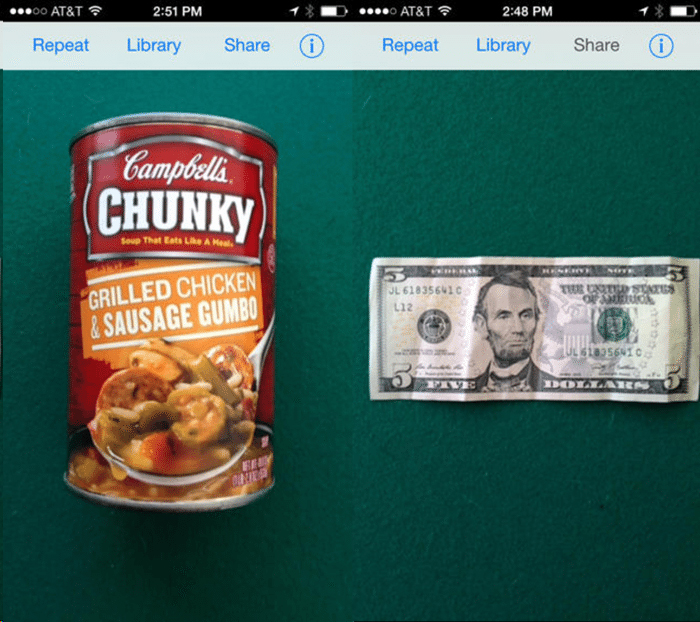
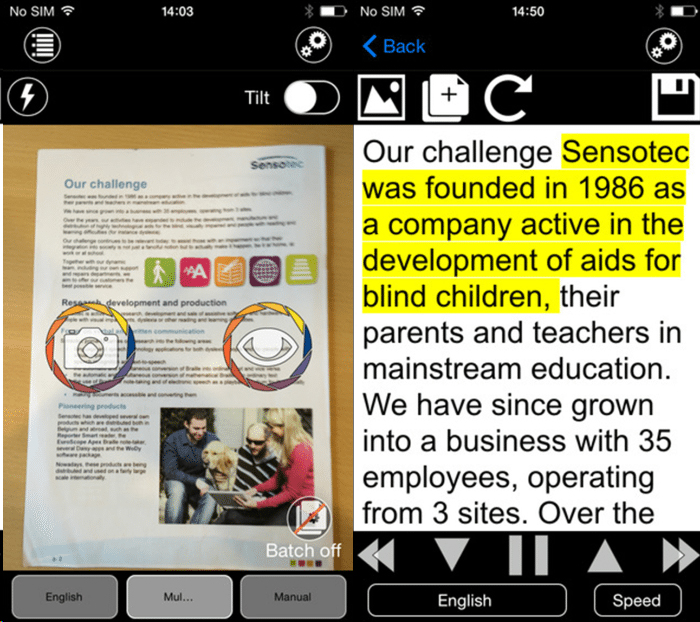
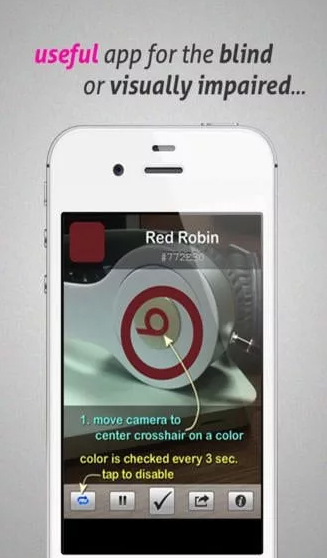
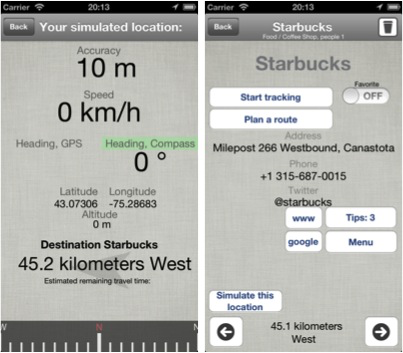

 Healthy Aging Month is an annual health observance designed to focus national attention on the positive aspects of growing older. Aging is a process that brings many changes. Vision loss and blindness, however, do not have to be one of them. There are several simple steps you can take to help keep your eyes healthy for the rest of your life.

 When you think of cancer, most of us do not think about the eye or vision. Though rare, cancer can start inside or outside of the eye. If cancer starts inside the eyeball it’s called intraocular and if it starts outside the eye (eyelid or in the eye socket) then it’s called extraocular tumor. It can occur in both children and adults. Most major eye centers have specialists who are trained in the diagnosis and treatment of eye cancers.
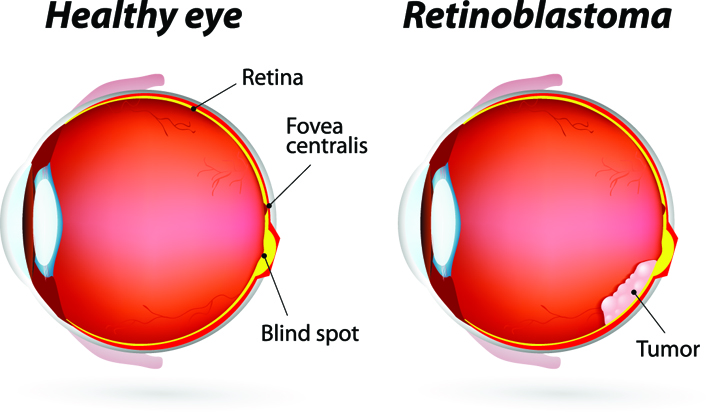 At the later stage of this cancer, the only one way to survive is to remove the eyeball (enucleation). Like many of other types of cancer, retinoblastoma has a genetic component so genetic testing needs to be done. The tumor begins with the RB1 gene mutation that stimulates retinal cells to develop into a tumor called a retinoblastoma. The RB1 mutation can be inherited from the parents, but in some cases it is sporadic and not inherited. There are various treatments such as surgery, chemotherapy, radiotherapy etc. to cure retinoblastoma cancer. Rarely it can spread beyond the eye.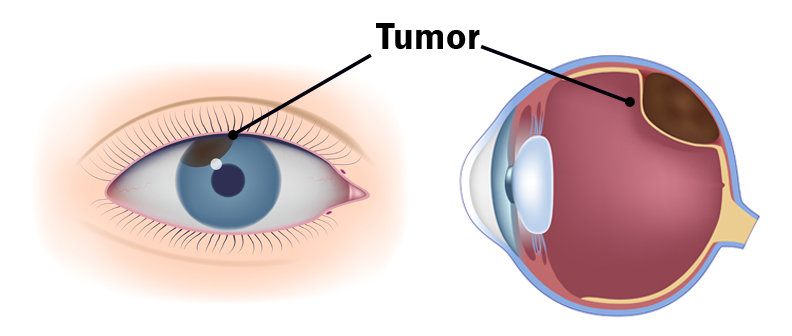

 UV Protection – Sunglasses for children should block 100% of UV radiation as well as between 75 – 90% of visible light. Any sunglasses you buy should have this information provided in the packaging
 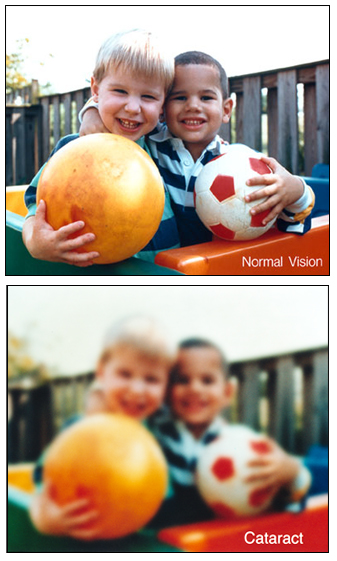 At the Discovery Eye Foundation (DEF), we are committed to supporting research that we believe will make the treatment of many forms of vision loss far more predictable and successful.