January is National Glaucoma Awareness Month – An important time to raise awareness for this sight-robbing disease.
Glaucoma is an age-related disease and is the second leading cause of irreversible blindness in people over 40. Glaucoma is 6 to 8 times more common in African Americans than Caucasians. If you have a close blood relative with glaucoma, it raises your risk of getting it.
Glaucoma is the sneak thief of sight, since there are no symptoms and once vision is lost, it’s permanent. As much as 40% of vision can be lost without a person noticing.
More than 3 million people in the United States and over 60 million people worldwide, have glaucoma. Experts estimate that half of them don’t know they have it. Combined with our aging population, we can see an epidemic of blindness looming if we don’t raise awareness about the importance of regular eye examinations to preserve vision.
How to Help Raise Awareness
In the United States, approximately 120,000 are blind from glaucoma. Here are three ways you can help raise awareness:

- Talk to friends and family about glaucoma. Do not keep it a secret. Let your family members know.
- Get involved in your community, educational seminars, support groups, and more.
- Visit our website for more information on glaucoma at discoveryeye.org/eye-conditions/glaucoma/.
What is Glaucoma?
Glaucoma is a disease that causes damage to the major nerve of the eye called the op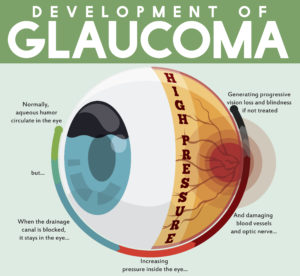 tic nerve, a part of the central nervous system that carries visual information from the eye to the brain.
The eye experiences a gradual increase of intraocular pressure (IOP) due to an imbalance of the fluid produced in the eye and the amount of fluid drained. Over time, elevated IOP can cause vision loss. The most common form of glaucoma is primary open angle glaucoma which affects about 3 million Americans. However, there are other types including narrow angle, congenital, normal tension, and secondary glaucoma.
There is no cure for glaucoma—yet. However, medication or surgery can slow or prevent further vision loss. The appropriate treatment depends upon the type of glaucoma among other factors. Early detection is vital to stopping the progress of the disease.
Risk Factors
How do you know if you are at risk for glaucoma? Those at higher risk include people of African, Asian, and Hispanic descent. Other high-risk groups include: people over 60, family members of those already diagnosed, diabetics, and people who are severely nearsighted.
Regular eye exams are especially important for those at higher risk for glaucoma, and may help to prevent unnecessary vision loss. In the most common form, there are virtually no symptoms. Vision loss begins with peripheral or side vision, so if you have glaucoma, you may not notice anything until significant vision is lost.
Getting your eyes checked by an ophthalmologist regularly will be the best way to detect glaucoma or any other eye disease early.
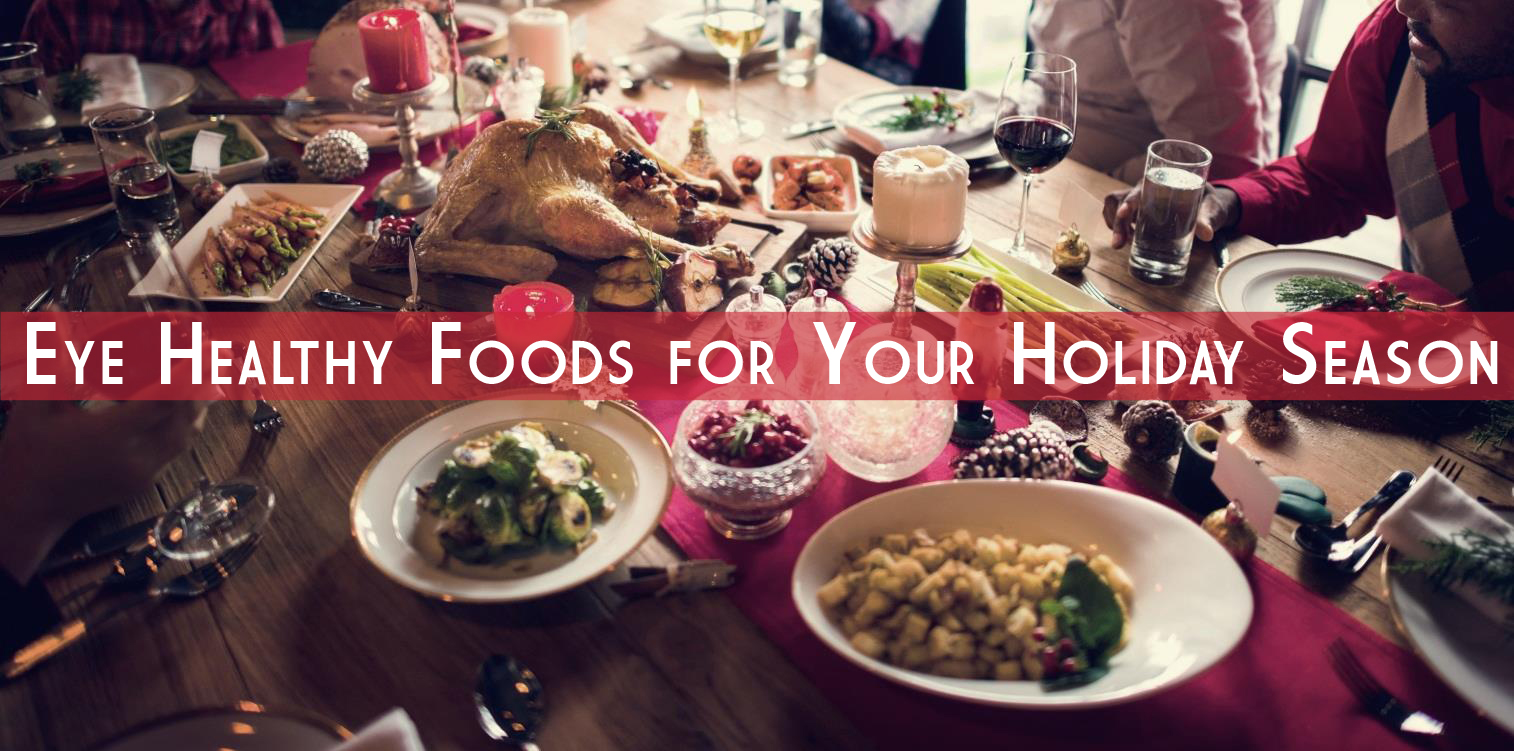
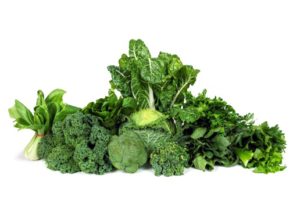 Be sure to start your holiday meal with a salad, it’s an excellent way to ensure that you and your guests get plenty of zeaxanthin and lutein, two nutrients that help protect your central vision. Adding kale, spinach, or romaine lettuce to salads helps your eyes absorb damaging blue light, combats the effects of cigarette smoke and pollution, and also decreases your risk of developing
  Turkey and lean beef, two of the main ingredients in many holiday meals, keep your eyes strong and healthy. Both foods are high in zinc, a nutrient important to the retina and the choroid layer under the retina.
 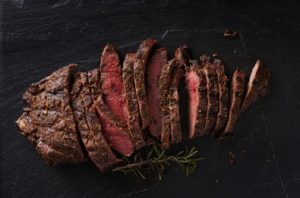 Zinc is essential for good night vision. Eating foods that are high in the nutrient can also reduce your risk of cataracts and AMD. Other foods that contain zinc include pork, dairy products, chick peas, black-eyed peas, crab, oysters, beans, spinach, mushrooms, cashews, and almonds.
 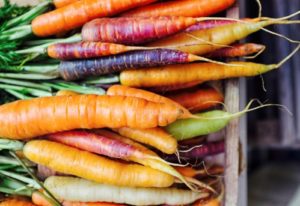 It wasn’t an old wives tale, it is true Carrots are good for your eyes! They contain beta carotene, a substance that turns into vitamin A when eaten. Eating carrots can benefit your night vision and could possibly reduce your risk of cataracts, AMD, and dry eyes. Other foods that contain beta carotene include pumpkin, sweet potatoes, and butternut squash. All great ingredients to include into your holiday feast.
 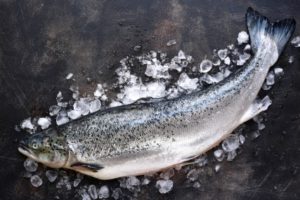 Fish contain omega-3 fatty acids, which can reduce your risk of developing AMD, dry eye, and glaucoma. Salmon, mackerel, flounder, tuna, halibut, herring, and sardines would be a great addition to your holiday meals.
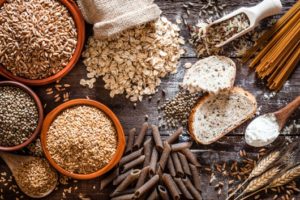 Whole grains reduce your risk of heart disease, obesity, and type 2 diabetes and can also decrease your risk of AMD. Substituting whole grain flour for white flour in holiday breads and muffins is a simple way to boost your whole grain intake. Other good whole grain sources include wild rice, brown rice, popcorn, oatmeal, bulgur, barley, buckwheat, and couscous.
 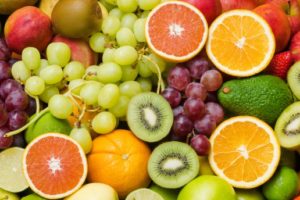 Fruits high in vitamin C, such as strawberries and oranges, also offer important vision benefits. Vitamin C is an antioxidant, a substance that can prevent cell damage caused by free radicals. Vitamin C-rich foods help keep the collagen in your cornea healthy and reduce the risk of cataracts and AMD. You can also find vitamin C in grapefruit, kiwi, blueberries, peas, broccoli, and tomatoes.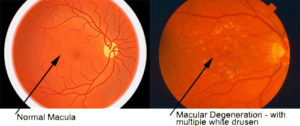
 Many of us just use the basics on our smart phone and never personalize them for our own needs. It is worth taking the time to adjust our phones to take advantage of the special services that may be available and unused. Making a phone call or sending a text message with a smart phone can be challenging, however, with simple modifications, keeping in touch with the world can become a snap. Getting comfortable with your smart phone will make staying in touch with your loved ones very easy.
 World KC Day is November 10th!
  Summer is almost over and it’s back to school season. As parents, many of us are busy ensuring our kids are ready and prepared for the new year; worrying about school supplies, new clothes, and new haircuts. There is always a long list of things to do before school starts. But something that often gets overlooked is getting your child’s eyes examined annually.
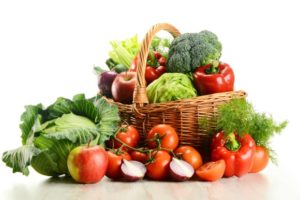 For example, lutein and zeaxanthin are important antioxidants that help prevent degeneration in the lens and retina. Eating a diet rich in these carotenoids helps reduce the risk of AMD by fighting oxidation in the retinal cells of the eye.
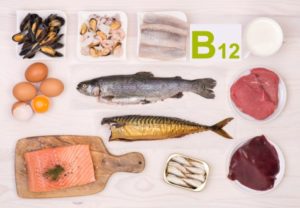
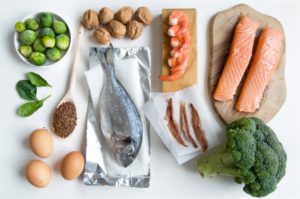 Eating fatty fish, such as salmon, tuna, mackerel, and sardines, that are rich in omega-3 fatty acids also helps lower the risk of AMD. Omega-3 fatty acids are rich in docosahexaenoic acid (DHA), which is important for eye health and visual function. People with dry eye syndrome (i.e., low tear production) can benefit from a diet rich in omega-3 fatty acids because dry eye is linked to low levels of DHA.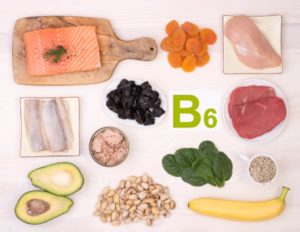
 Night vision can be impaired not only by the darkness, but also by the sudden glare of lights from oncoming cars, traffic signals, etc. Our eyes are forced to constantly adjust, leaving brief periods of impaired vision between adjustments.
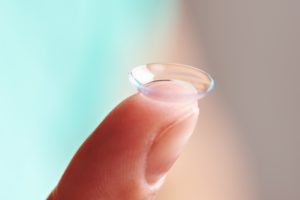 Most problems associated with contact lenses cause minor irritation, but serious eye infections from poor lens hygiene can be extremely painful and may lead to permanent vision loss. About 80 to 90 percent of contact lens-related eye infections are bacterial. A type of infection you can get is called pseudomonas aeruginosa, a fast-growing bacterial infection that can lead to a hole in your cornea. Unfortunately, patients who get this infection have a high chance of permanent scarring and vision loss. Beyond bacteria, fungal infections are also potential threats to your vision.
 In a presentation to the American Society of Retina Specialists, Dr. Ajay E. Kuriyan of the University of Rochester reported that three patients who underwent bilateral intravitreal injection of stem-cells for age-related macular degeneration (AMD) suffered bilateral vision loss. The clinic at which all three procedures were performed did not have a licensed ophthalmologist on-site, and the stem-cell injections were administered by a nurse practitioner, Ocular Surgery News reported. Each patient paid $5,000 for the procedure.